🧭 Live Ping Paths
Target under test Fast Elevated Slow / unreachable
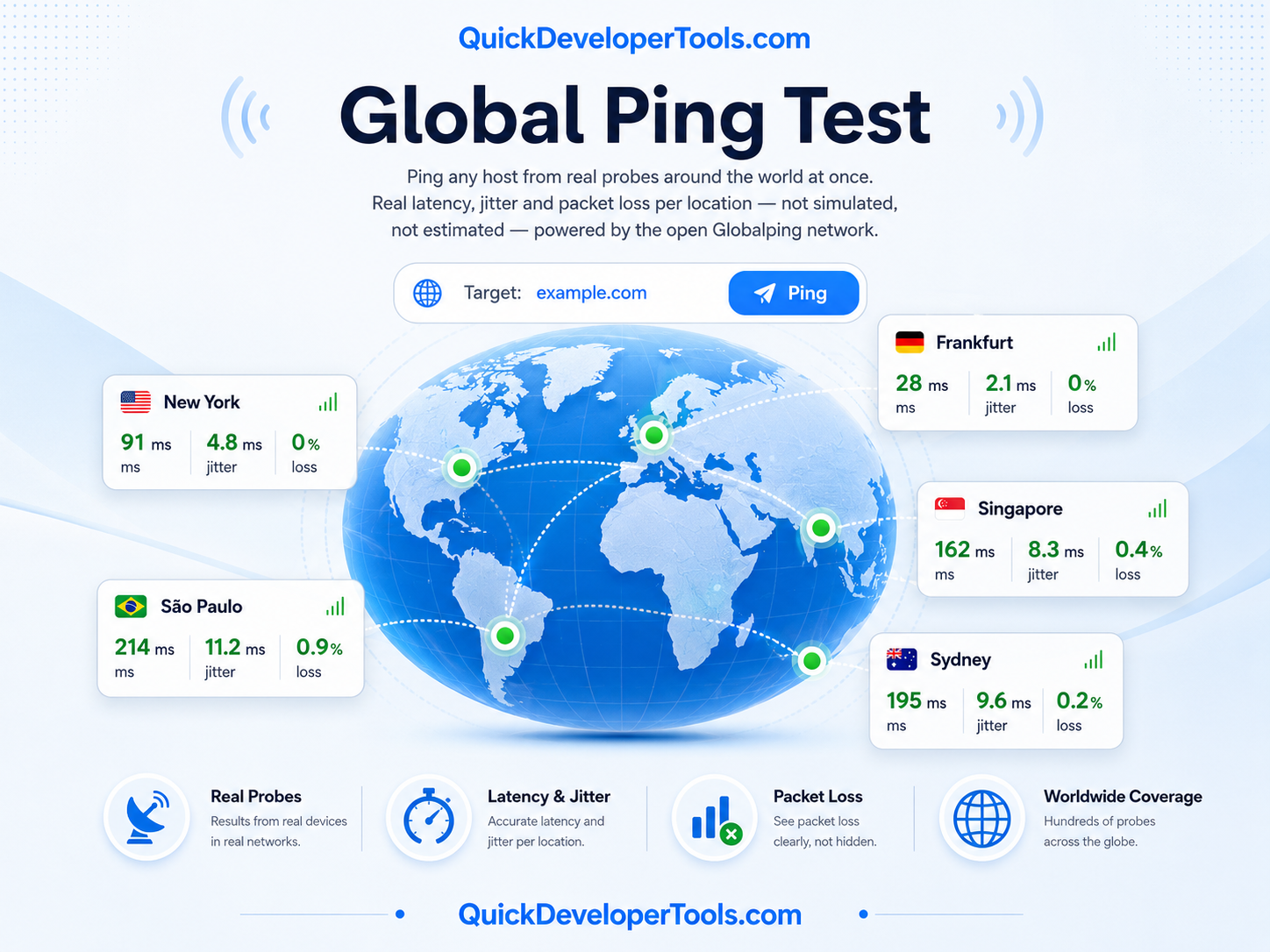
Ping any host from real probes around the world at once. Real latency, jitter and packet loss per location - not simulated, not estimated - powered by the open Globalping network.
Target under test Fast Elevated Slow / unreachable
| Show | Location | Status | Min | Avg | Max | Jitter | Loss |
|---|
Starting a test sends your target and chosen locations to this server, which creates a real measurement on the Globalping network (a free, open-source project by jsDelivr made up of thousands of community-run and partner-hosted probes worldwide). Each selected location's probe actually pings your target for real and reports back its own latency, jitter and packet loss. This page polls for the result roughly twice a second until every probe finishes, then plots the real coordinates of each responding probe on the map and every packet's real round-trip time on the chart. Jitter is computed here from each probe's real per-packet timings, the same way the Jitter Test computes it for a single connection.
These tools all work on the same connection and address data — pick whichever question you actually have.
It's real. Each location you select runs on an actual Globalping probe physically hosted in that country, which performs a genuine ICMP/TCP ping to your target and reports its own real result. Nothing on this page is estimated from a single measurement.
Globalping's free, keyless tier shares a pool of 250 tests per hour across every visitor of every site that uses it - not per visitor. A small, curated, globally-distributed set of locations keeps a single test's cost modest against that shared budget so the tool stays usable for everyone.
Instead of the twelve curated countries, it asks Globalping to pick probes proportionally from every continent (their own "world" selection), up to the probe count you choose with the slider.
Globalping only offers probes that are currently online and passing its own quality checks. If nobody is currently hosting an online, healthy probe in a location you picked, that test comes back empty rather than showing a fabricated result.
No. Globalping's probes only ever test publicly reachable targets - internal, private and loopback addresses are rejected by their platform before any test runs.
As the mean absolute difference between each pair of consecutive packet round-trip times from that probe - the same calculation used by this site's own Jitter Test, computed here from Globalping's real per-packet timing data rather than estimated.
The blinking marker is the approximate location of your target's own IP address. The lines are real great-circle routes from that target to each probe that pinged it, colored by that probe's actual latency - green for fast, amber for elevated, red for slow or unreachable. They're drawn live as results come in.
Yes - use the "Fullscreen" button in the map panel's header. Press Escape or click it again to exit.